 Broadcast Cam
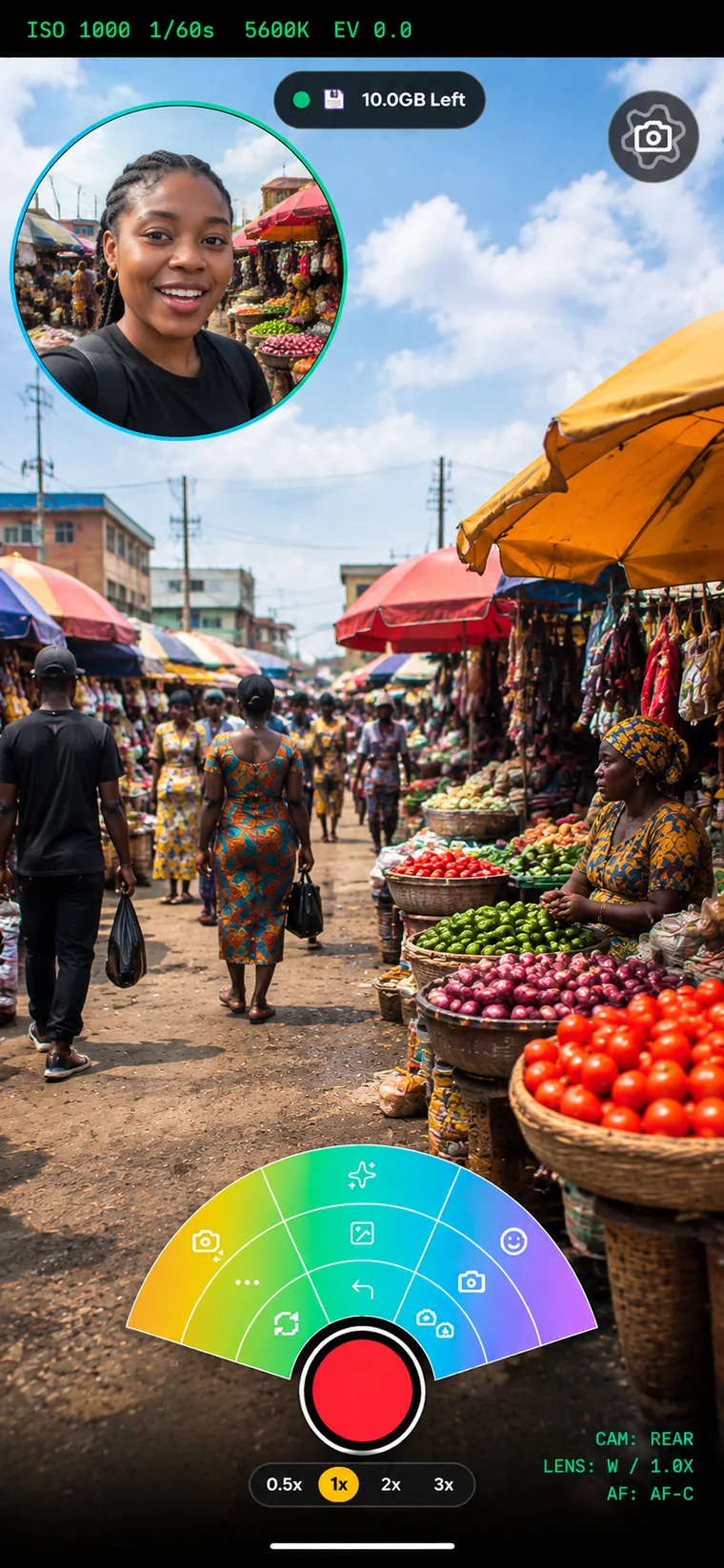
VLOG
Polished live production for creators, without a complicated setup.
- Front and rear camera, quick switching
- Lower thirds, watermark, media overlays
- Background removal
Broadcast Cam turns smartphones and tablets into professional live production tools: capture, connect guests, switch cameras and stream, without a broadcast truck.
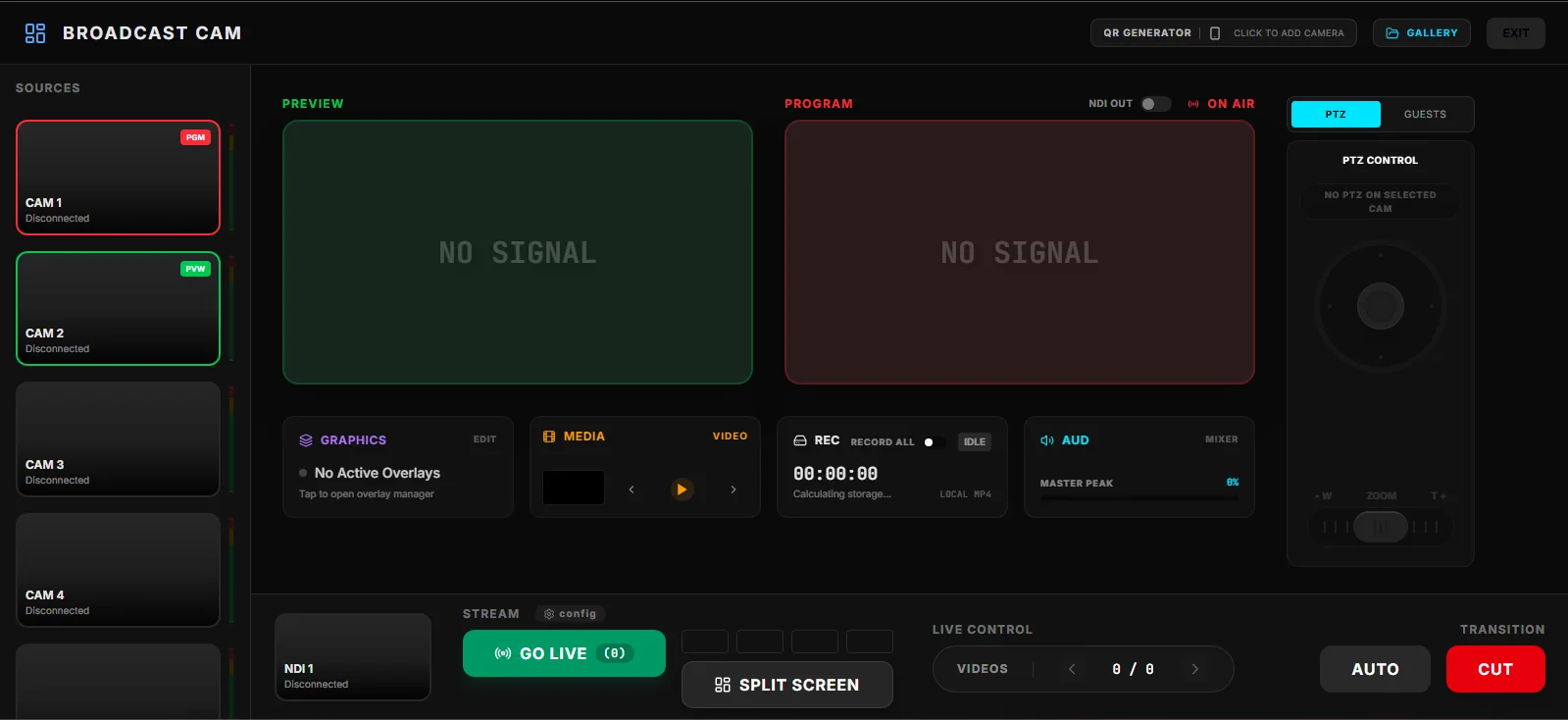
Go live where your audience already is
One production engine across every mode: cameras, guests, graphics, audio and streaming.
Pick the mode that matches the job. Every mode shares the same pro tools, so what you learn in one works in all of them.
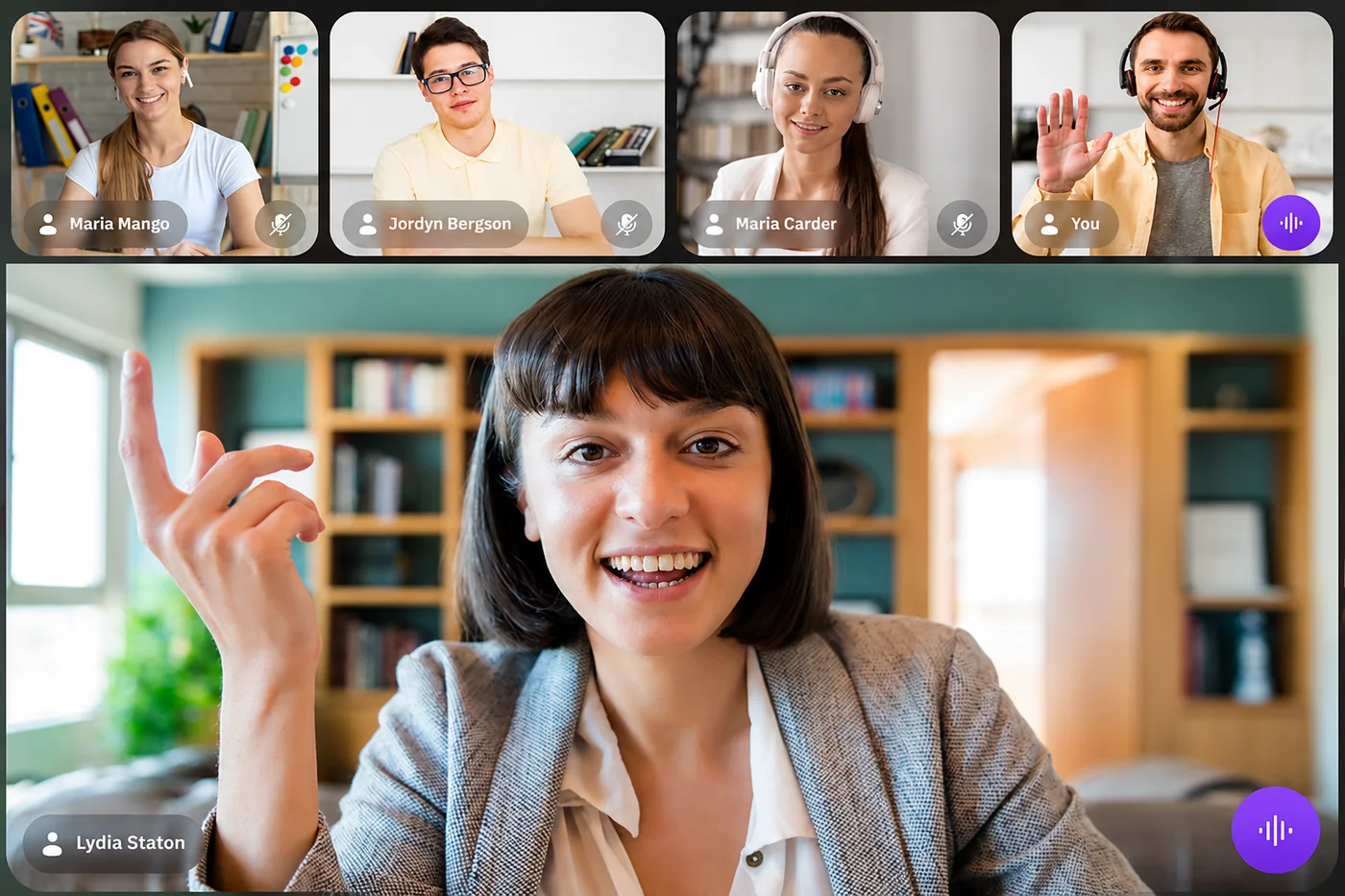
Guests join from their own phone with camera and microphone, with no broadcast knowledge needed. Interviews, panels and podcasts, from anywhere.
Turn a handful of phones and tablets into a multi-camera show. Preview, cut and transition between cameras, record, and go live.
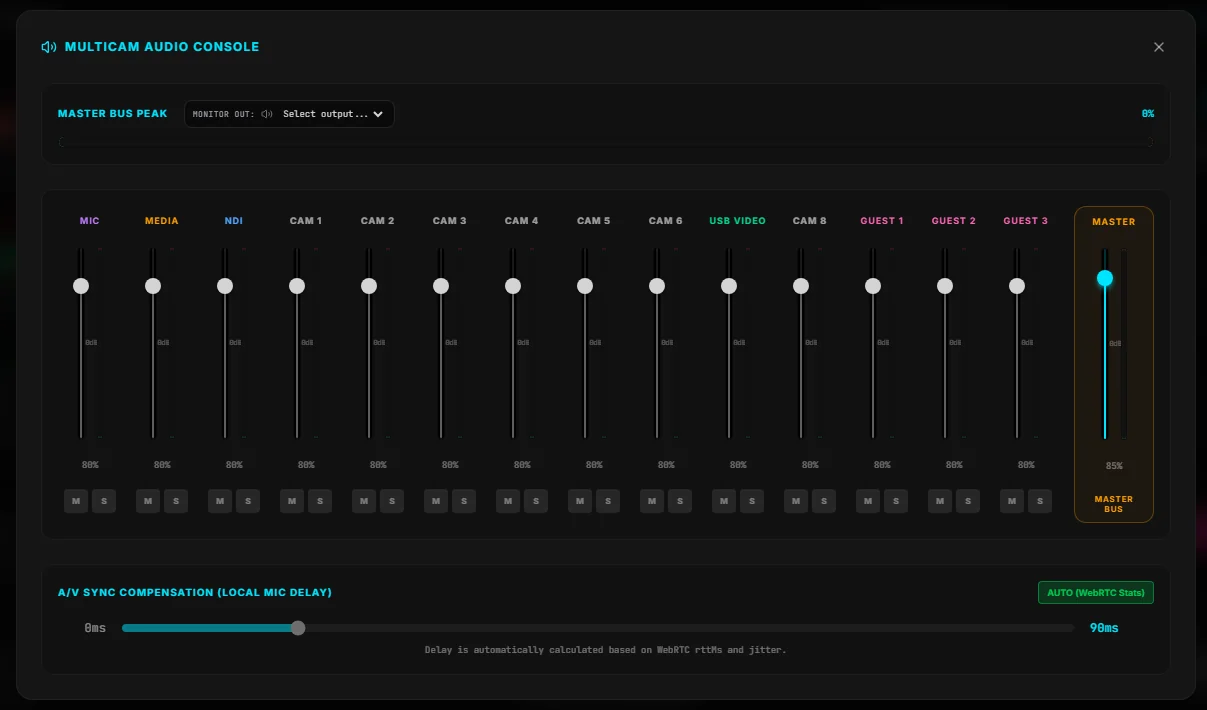
Mix your microphone, media, cameras and guests with a full audio console and a master bus, right on the tablet.
Pair extra phones with a QR code, or let the tablet find them automatically. No cables, no extra hardware.
Reporter Mode gives your field team a simple way to report live, and gives your studio a simple way to bring them into the program, without leaving the tools your team already uses.
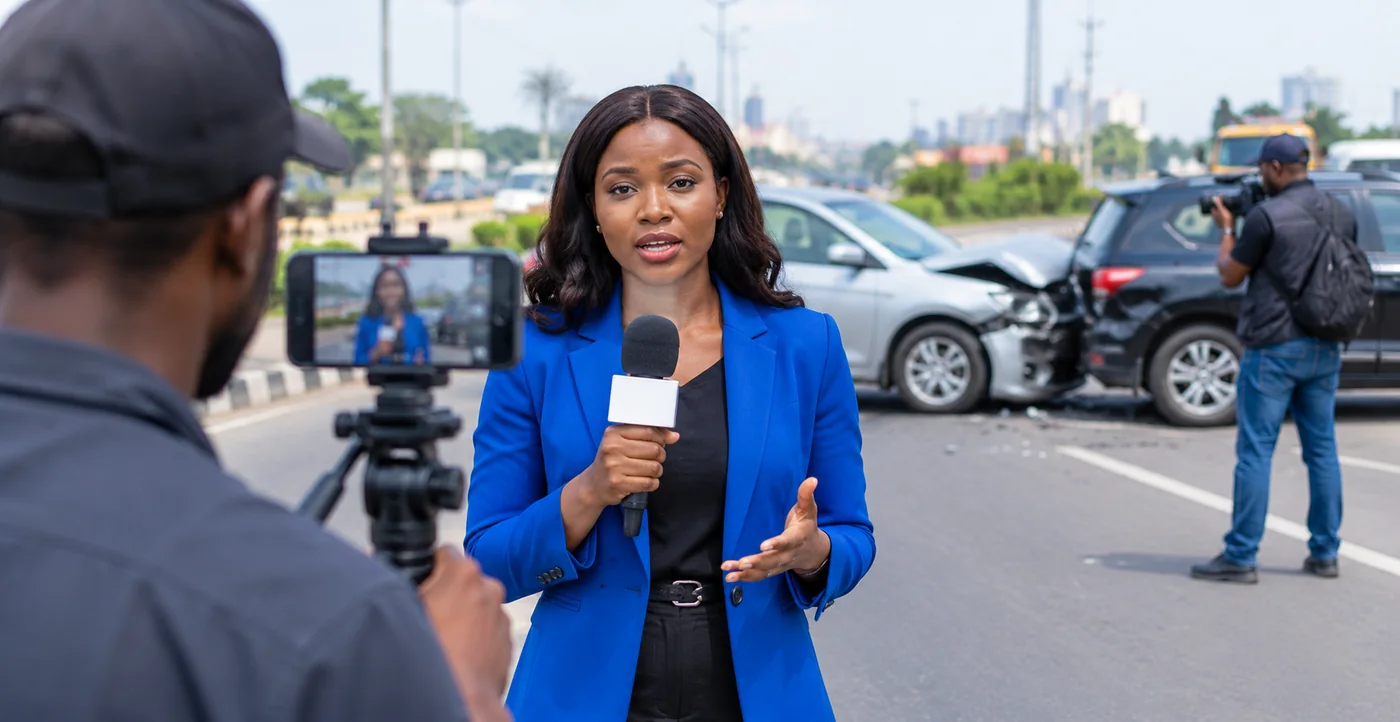
The reporter opens the app in the field and connects to the studio.
The studio instantly sees and hears the reporter.
The director adds the reporter to the live program whenever they are ready.
The finished show reaches your chosen destinations.
Polished live production for creators, without a complicated setup.
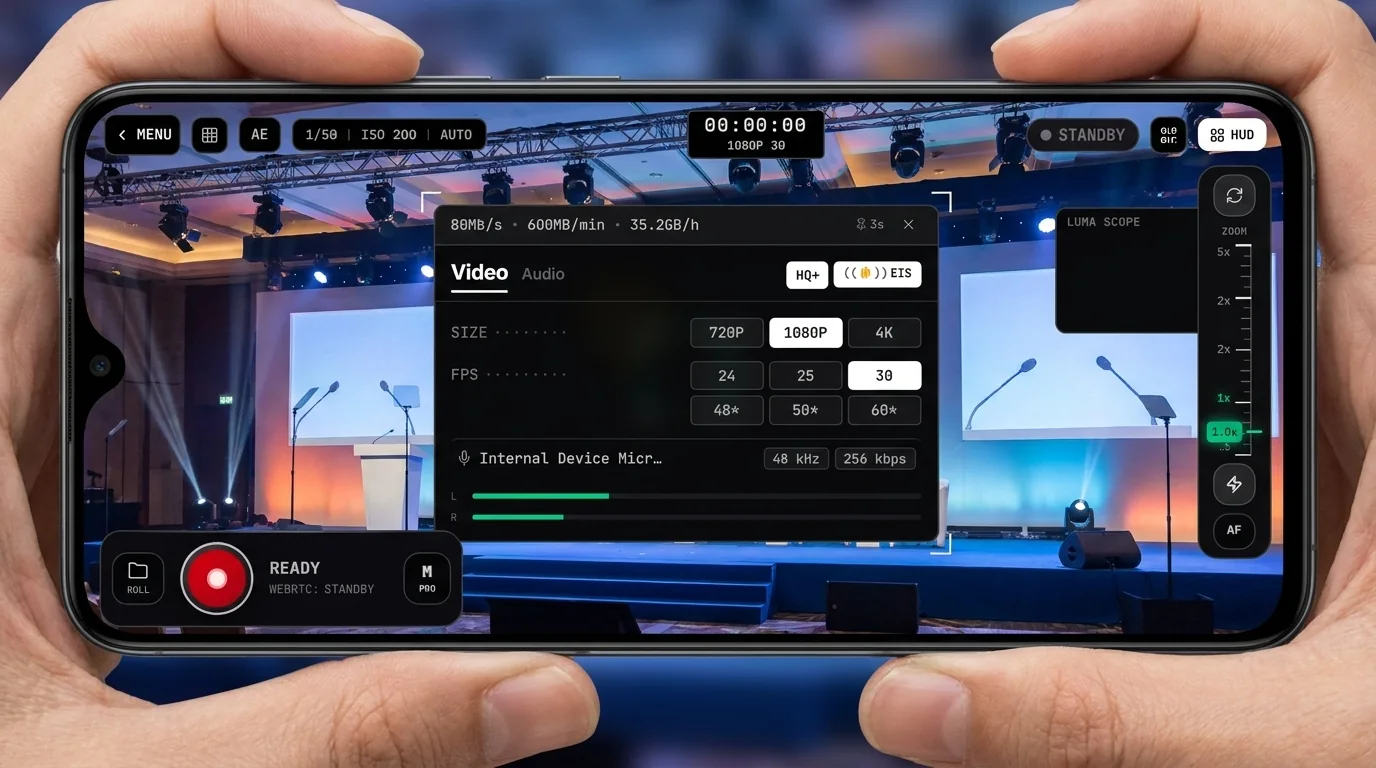
Advanced camera control for filmmakers, events and camera operators.
Report live from anywhere and stay connected to your studio.
Plug a capture card or video mixer into your phone or tablet over USB.
Turn a handful of phones and tablets into a multi-camera show, switched live.
Go live to YouTube, Facebook, Twitch or any custom RTMP server, one at a time or all at once, while recording locally up to 4K.
1. NDI® is a registered trademark of Vizrt NDI AB. Learn more at ndi.video.
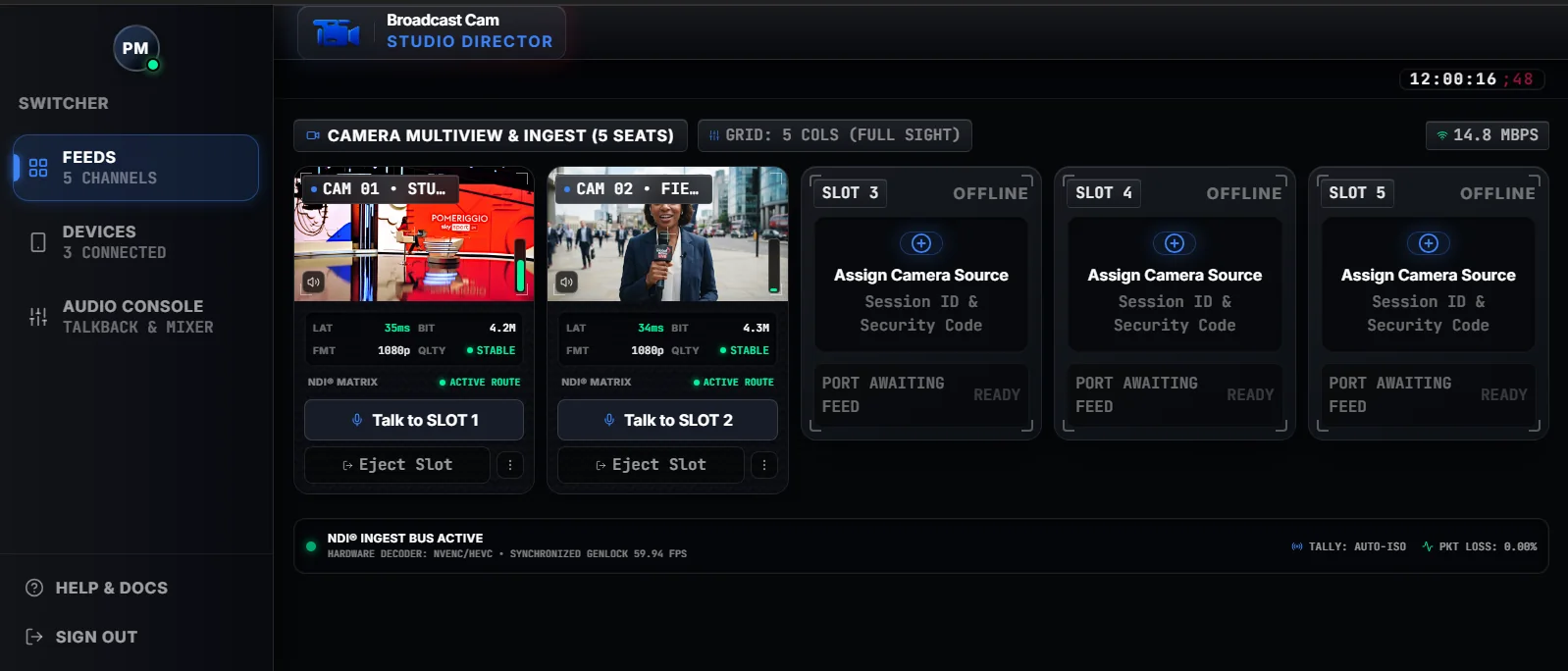
A desktop companion for remote reporting. Reporters connect from the Broadcast Cam app, and Director sends each one into your production switcher, such as vMix, OBS or TriCaster, as its own NDI® source on the same network, with talkback to every reporter.
Broadcast Cam comes from Patrido Multimedia, a company with hands-on experience in broadcasting and live production, not a background in software alone. That experience shapes every part of the product.
Start with a 14-day free trial. Billed through Google Play; subscriptions renew automatically and can be cancelled any time.
Every mode on your own devices.
Get started Coming soonEverything in Standard, plus remote production. Or $420 a year (30% off).
Get started Coming soonEverything, permanently. A founding offer for the first 1,000,000 buyers.
Get started Coming soonEverything unlocked. One per device and email address.
VLOG and PRO CAM up to 1080p. May include ads.
Everything in Pro for 24 hours. Never renews.
Broadcast Cam launches on Google Play for Android on 2 November 2026.
Get it on Google Play Coming soon